DIAMOND Rank — €8
High-tier premium rank for advanced players.
Includes:
- everything from GOLD and EMERALD
- legendary crate keys
- advanced convenience features
- premium progression bonuses
- enhanced economy access
Bonus:
- 5 Legendary Keys included
High-tier premium rank for advanced players.
Bonus:
Advanced premium rank with powerful convenience features.
Commands:/fly/heal/feed/repair
Starter premium rank for active players.
Commands:/ec/wb/tpa/pay
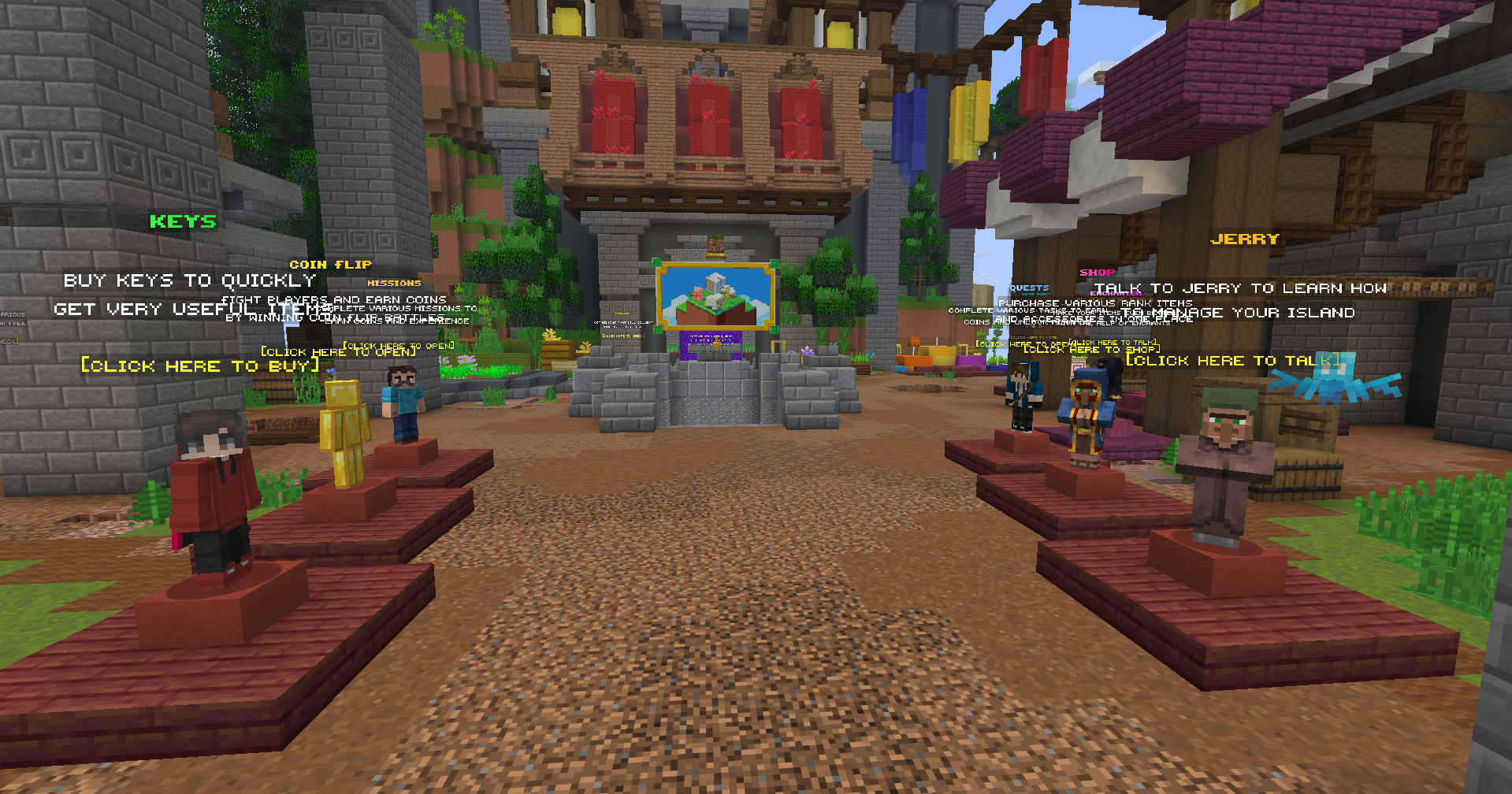
When you first join the server, walk through the portal at spawn to begin your adventure.
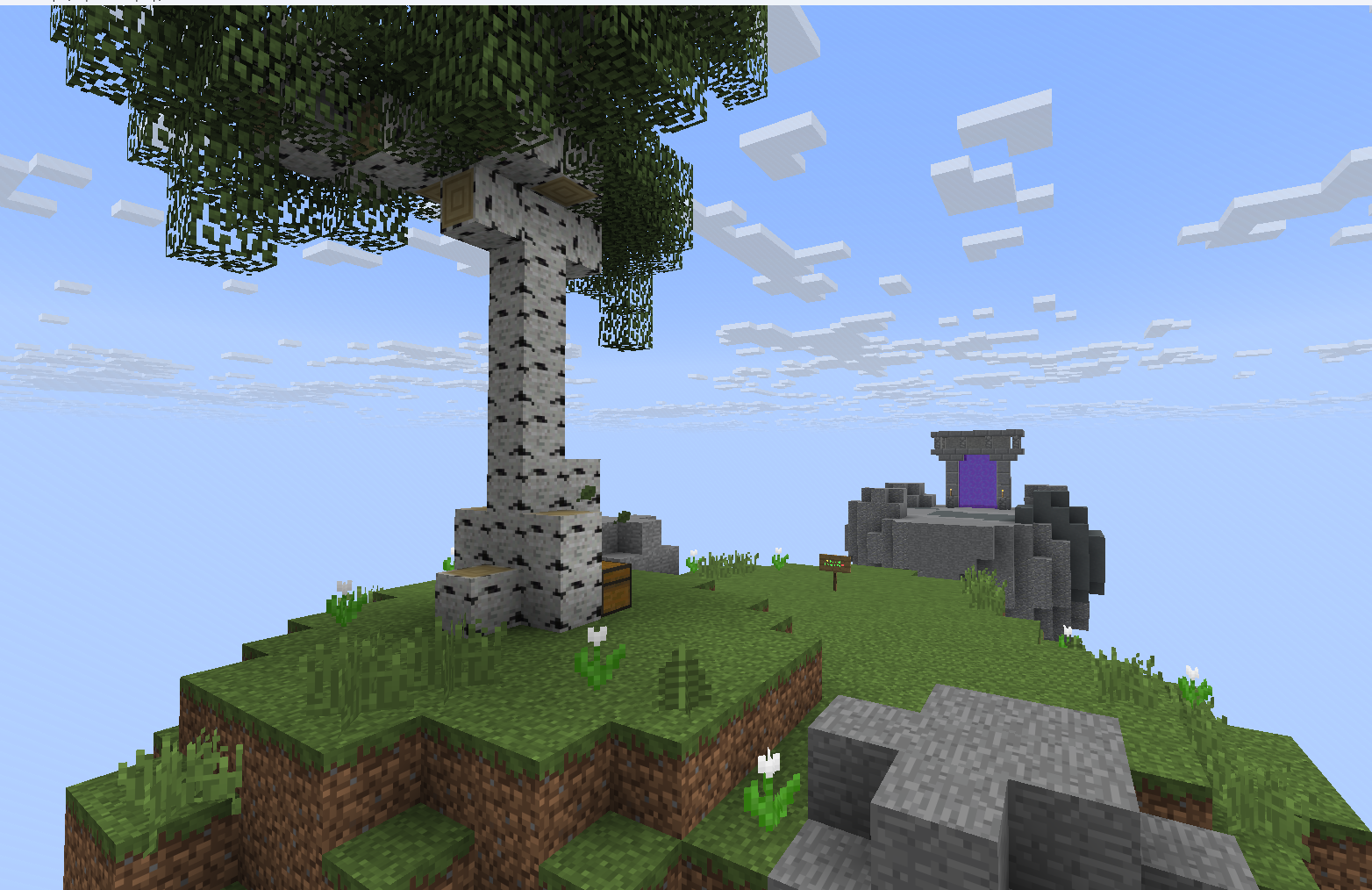
You will arrive on your own small island in the sky.
There you can talk to Jerry, who will help you create your personal SkyBlock base.
Your island is your main base where you can:
You start with a tiny island floating in the sky.
Your goal is to turn it into a powerful automated base by collecting resources, upgrading your island, and progressing through the server systems.
The more you build and automate, the stronger your island becomes.
When your island is created, you will receive your first objective:
Collect 4 logsStart by:
You can always return to spawn using the island portal.
/isOpen your island management menu.
/is homeTeleport back to your island.
/shopBuy and sell resources.
/auctionTrade items with other players.
/questsComplete missions and earn rewards.
Explore the mining cave and gather valuable resources.
Mine ores, collect rare materials and increase the level of your island.
Use:/cave
Features:
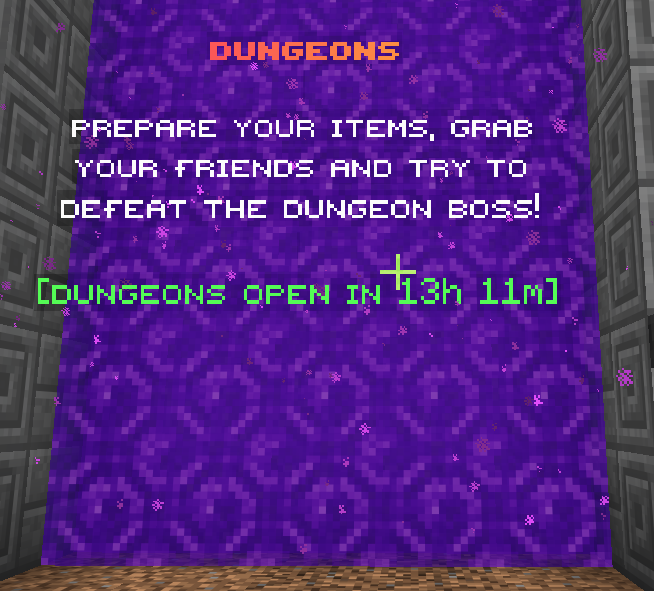
Fight powerful dungeon bosses together with your friends.
Prepare your gear, enter dangerous dungeons and earn valuable rewards.
Features:
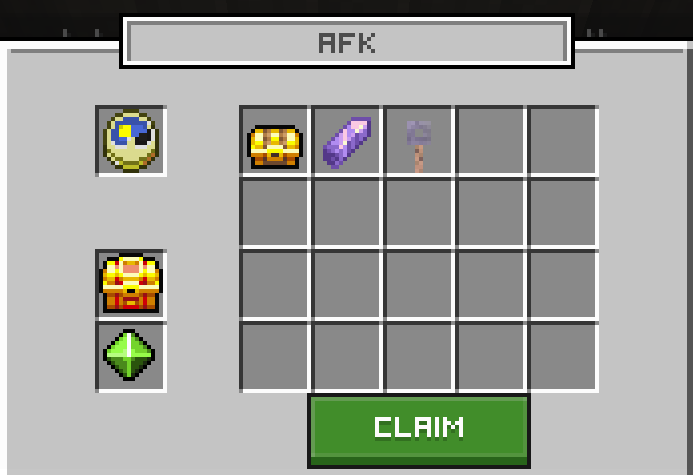
Earn free rewards simply by staying online on the server.
Use:/warp afk
While staying in the AFK zone, you can receive:
The longer you stay online, the more rewards you can collect.
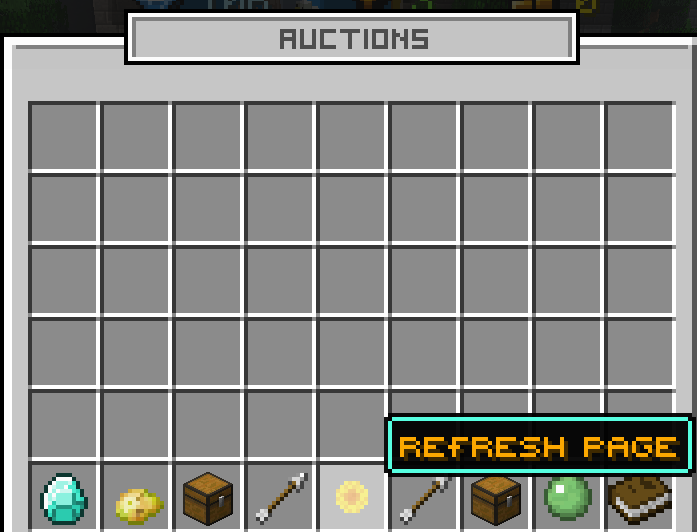
Trade items with other players using the Auction House system.
Sell rare items, resources and valuable loot to other players and build your own economy.
Commands:/ah/auction
Features:
There are many ways to progress and earn money on the server.
Create and expand your own island in the sky. Build farms, machines and automatic systems to grow stronger.
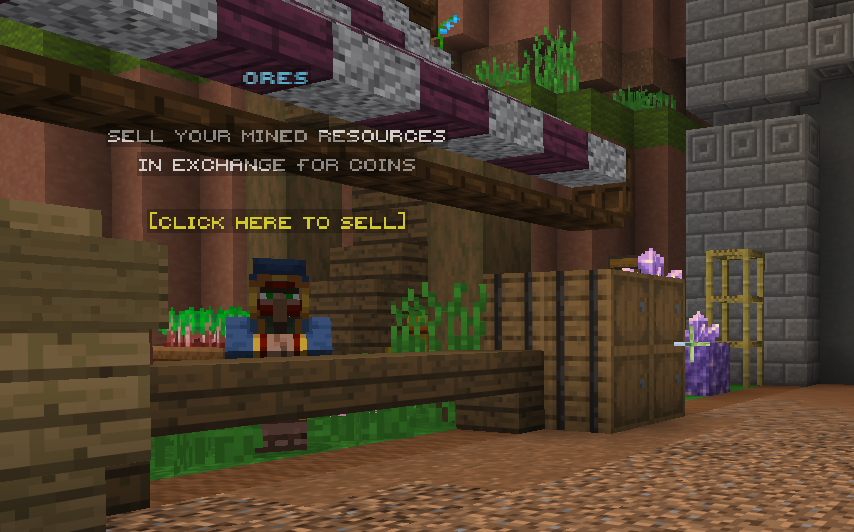
Sell resources in the shop and earn money. Use your balance to upgrade your island and buy useful items.
Command:/shop
Complete quests and missions to receive rewards, money and experience.
Command:/quests
Upgrade your island level by building larger and more valuable islands.
Higher island level = higher ranking.
Open special crates using keys and receive random rewards:
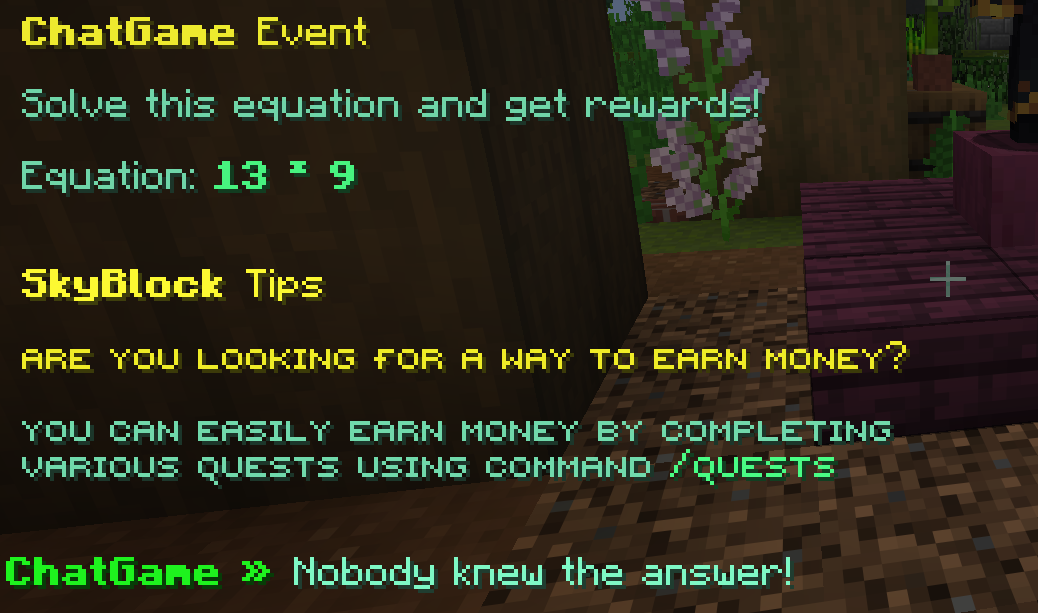
Automatic chat games happen regularly on the server.
Be the first player to answer correctly and win rewards.
Trade with other players using the auction house.
Command:/ah
Unlock premium ranks with extra perks, bonuses and commands.
Both Java and Bedrock players can join and play together.
Start your adventure on your own floating island!
Gather resources, build farms, earn money and upgrade your island to become the strongest player on the server.
/shop to buy and sell items/is — island menu/shop — server shop/spawn — return to spawn/ah — player auctionGood luck and have fun!