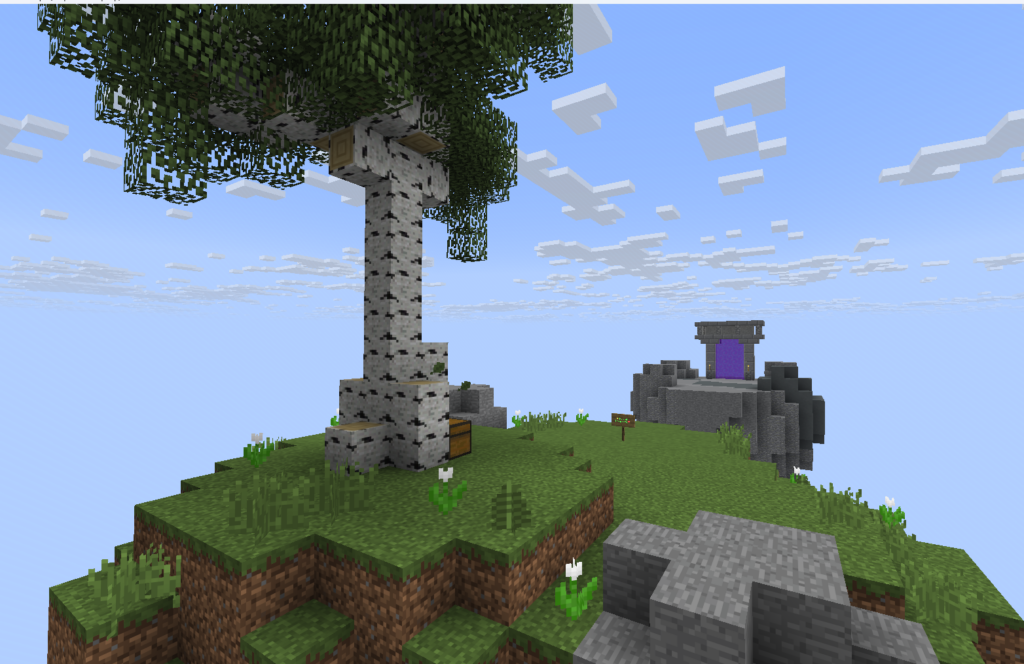
When you first join the server, walk through the portal at spawn to begin your adventure.
You will arrive on your own small island in the sky.
There you can talk to Jerry, who will help you create your personal SkyBlock base.
Steps
- Join the server
- Walk into the portal at spawn
- Arrive on your starter island
- Talk to Jerry
- Press START
- Jerry will automatically create your island with a portal connected to spawn
Your island is your main base where you can:
- build farms
- collect resources
- earn money
- complete objectives
- unlock upgrades
- expand your island
- invite friends
How SkyBlock Works
You start with a tiny island floating in the sky.
Your goal is to turn it into a powerful automated base by collecting resources, upgrading your island, and progressing through the server systems.
Main Progression
- collect wood and starter resources
- complete objectives and missions
- earn coins
- sell items in the market
- unlock upgrades
- improve your island level
- access new systems and features
The more you build and automate, the stronger your island becomes.
Getting Started
When your island is created, you will receive your first objective:
Collect 4 logsStart by:
- cutting down trees
- crafting basic tools
- expanding your island
- gathering resources
You can always return to spawn using the island portal.
Useful Commands
Island Menu
/isOpen your island management menu.
Return Home
/is homeTeleport back to your island.
Shop
/shopBuy and sell resources.
Auction House
/auctionTrade items with other players.
Quests
/questsComplete missions and earn rewards.
Tips
- Keep expanding your island
- Upgrade generators and farms
- Complete objectives for faster progression
- Use the market to earn coins
- Invite friends to grow together
- Explore dungeons and special events for rare rewards